Together
 About
About
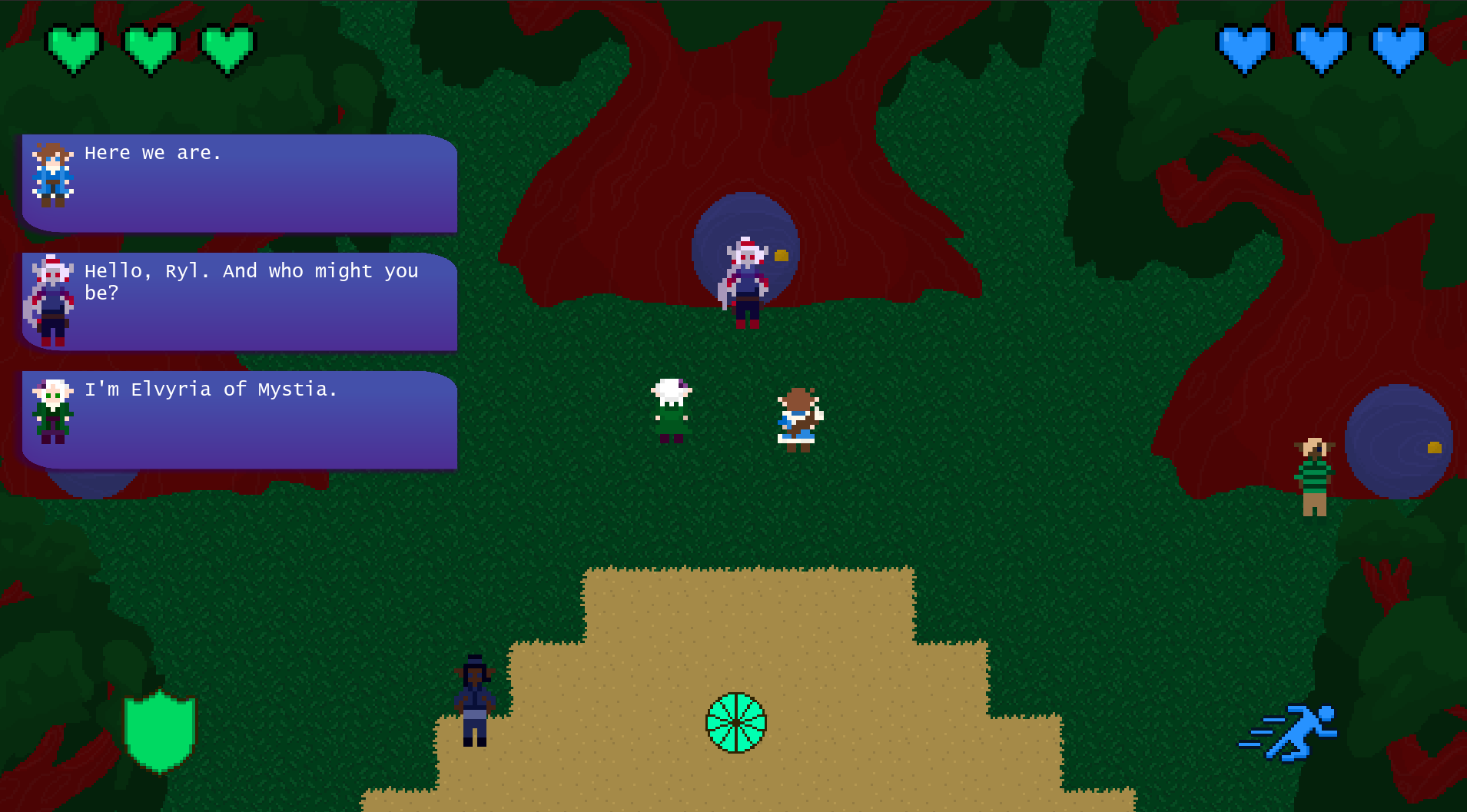
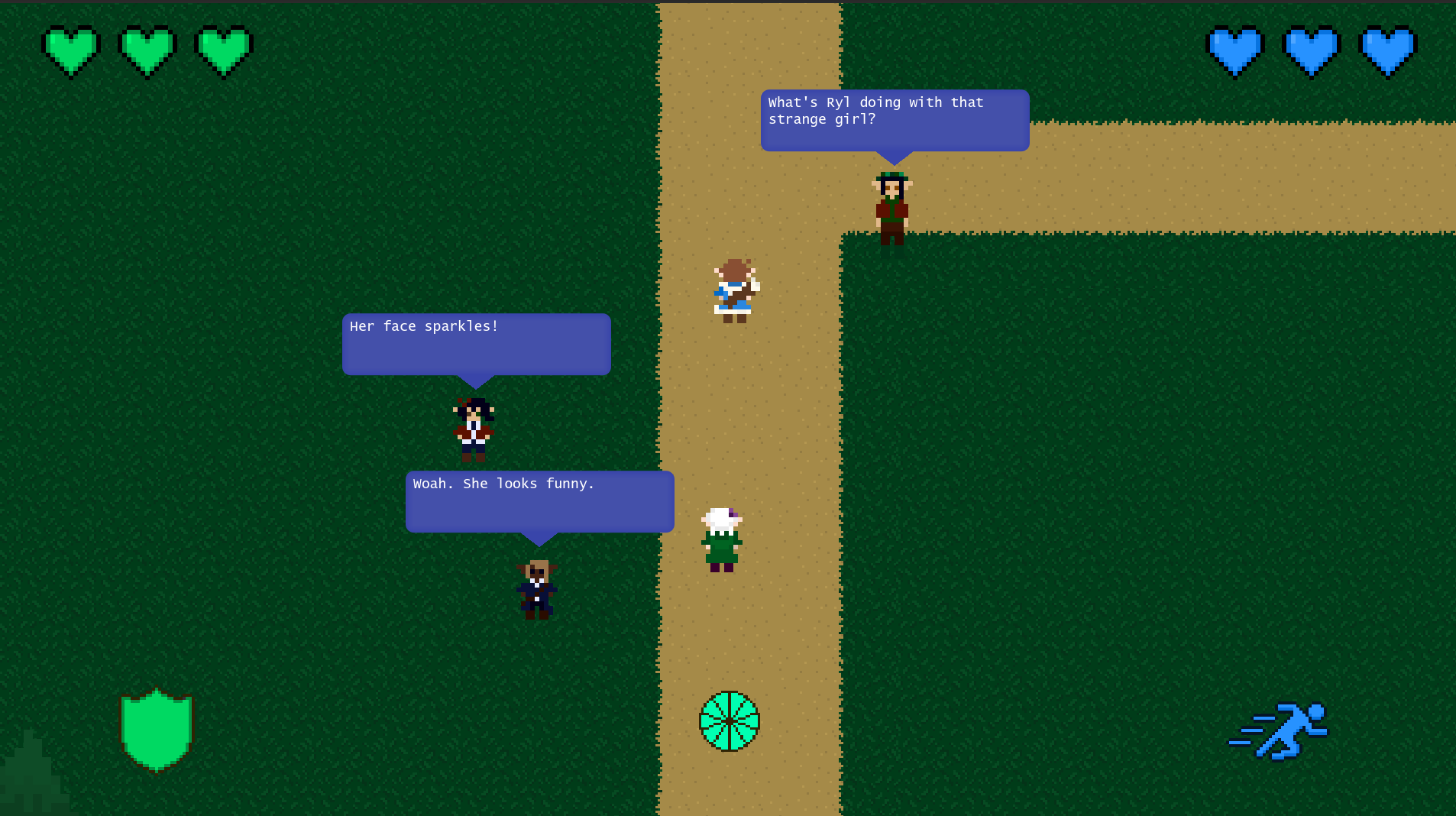
Together is a two-player action-adventure game made with Godot, Piskel, Adobe Photoshop, Adobe Premiere Pro, and Inky. The highlights of this game are battle mechanics that encourage working together (see Working Together) and Professor Layton-style narrative!
Lore
https://tinyurl.com/together-lore
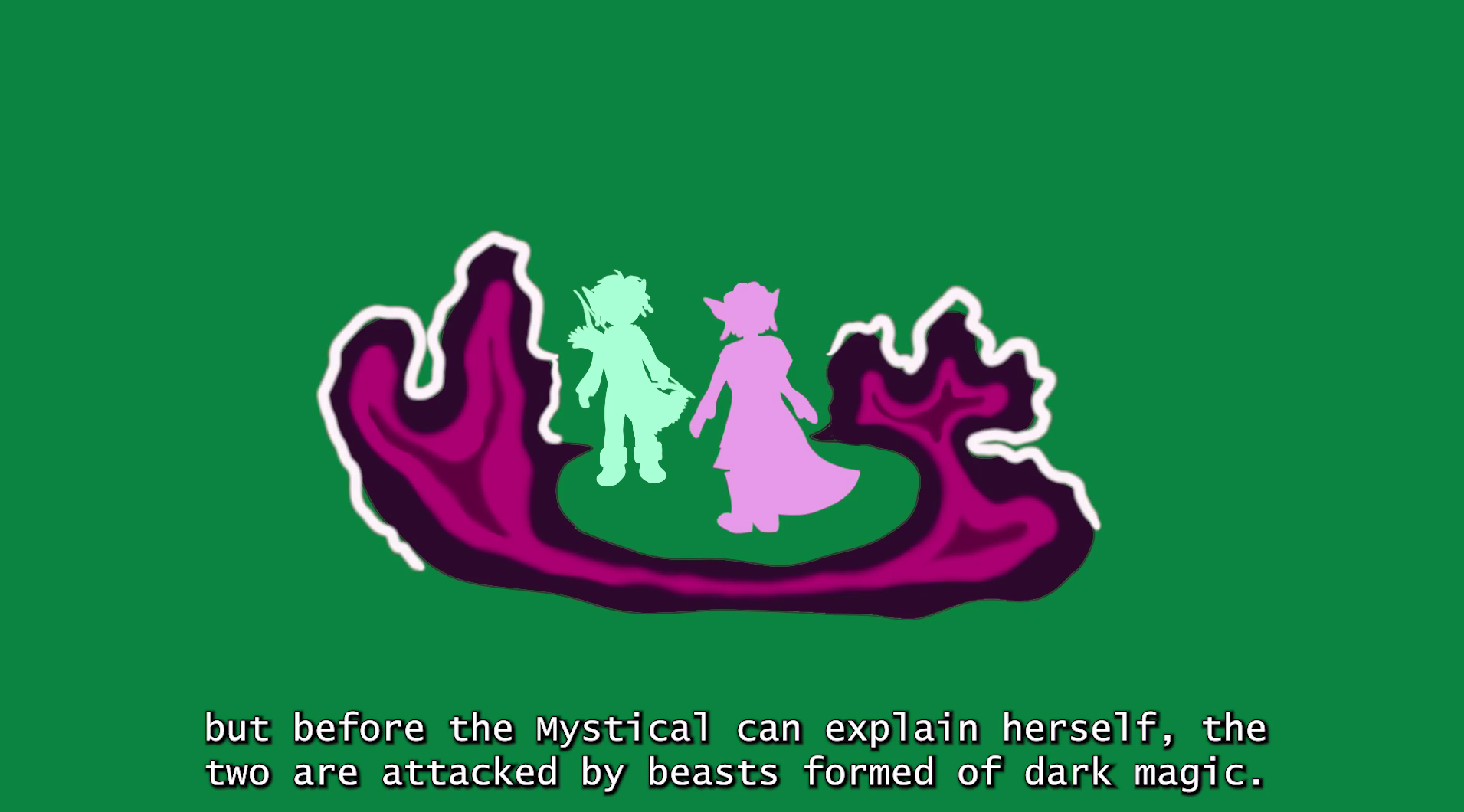
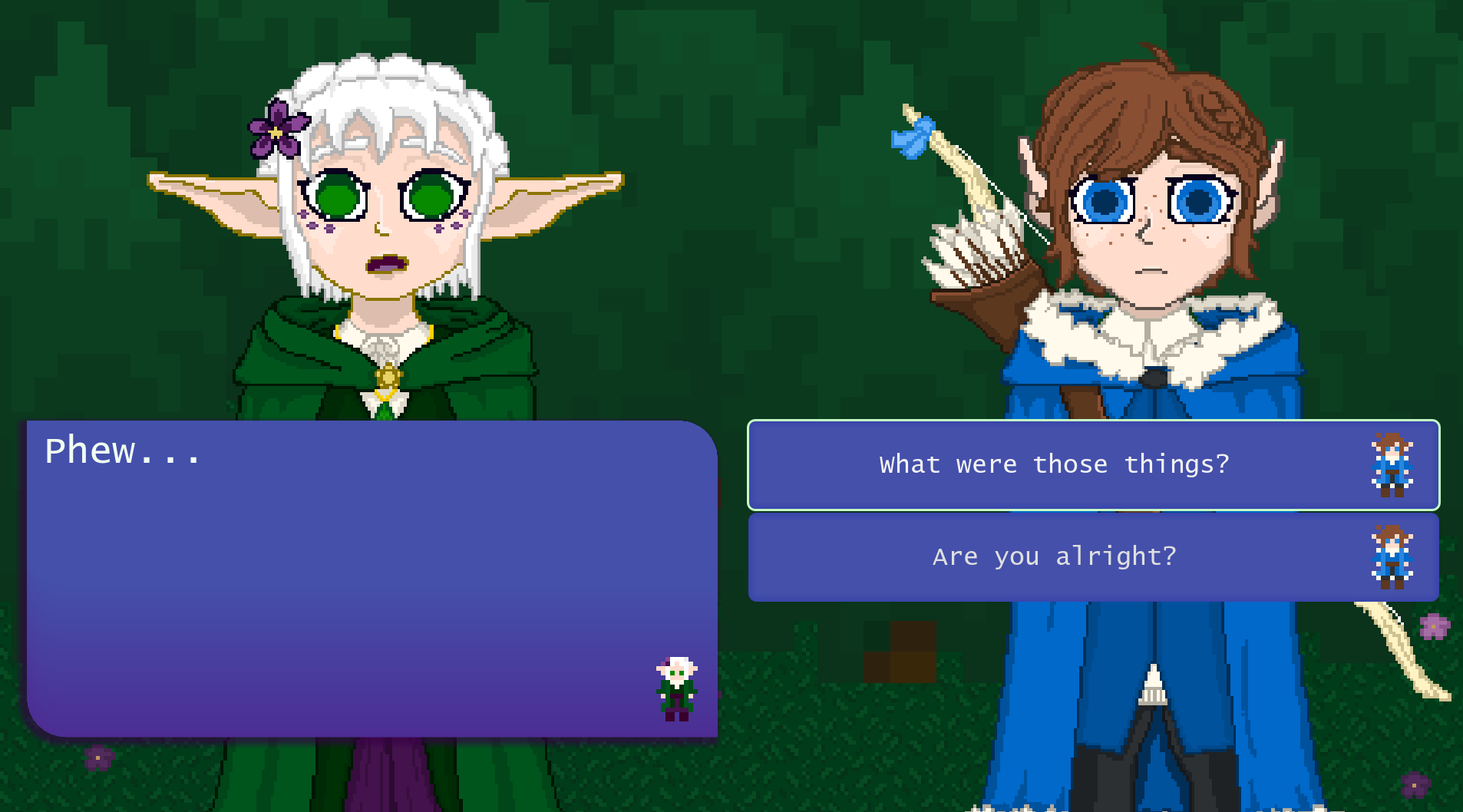
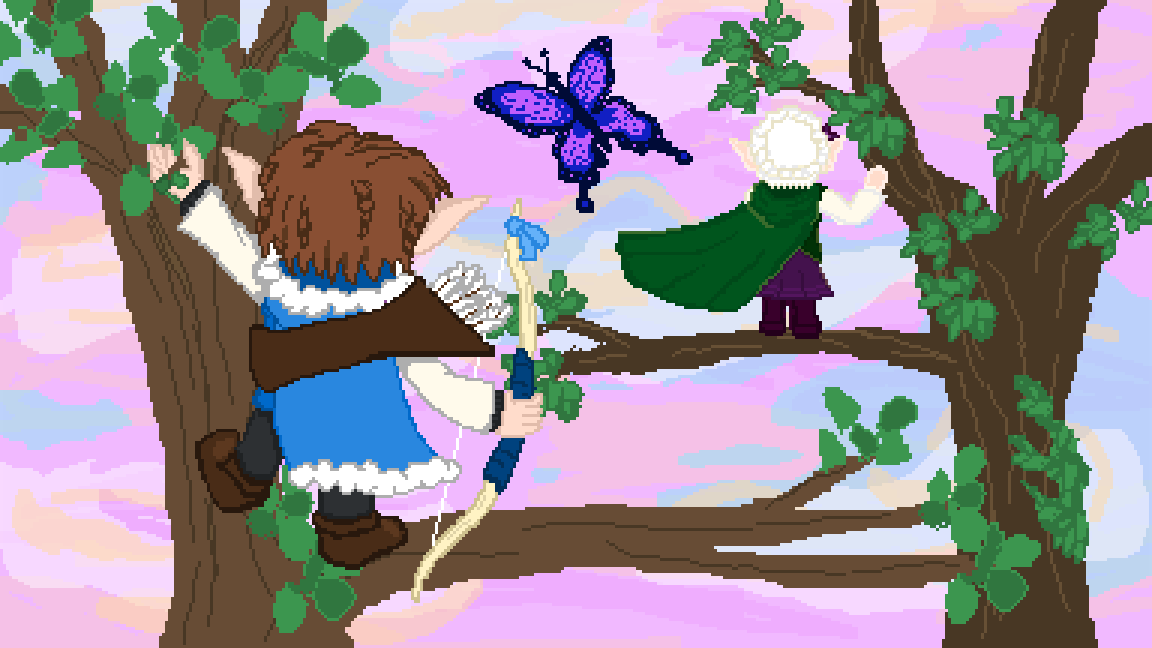
Long ago, the Sacred Gates between Mystia and the Dullworld were sealed to prevent dark magic's spread from Mystia to the Dullworld. This seal has now been strengthened periodically by the Mysticals for millennia, while the Dullworld now believes that magic and Mystia are just fairytales. However, the leaders of Mystia make an oversight, enabling dark magic to finally break through the seal. Young Elvyria, who is investigating the seal at the time, is sucked into the Dullworld as a result. Elvyria befriends Ryl of Tamewood and they journey together to find a Sacred Gate and fix the seal.
Play as the archer Ryl and the mage Elvyria and combat enemies made of dark magic on your way to reach the Sacred Gate!
Instructions
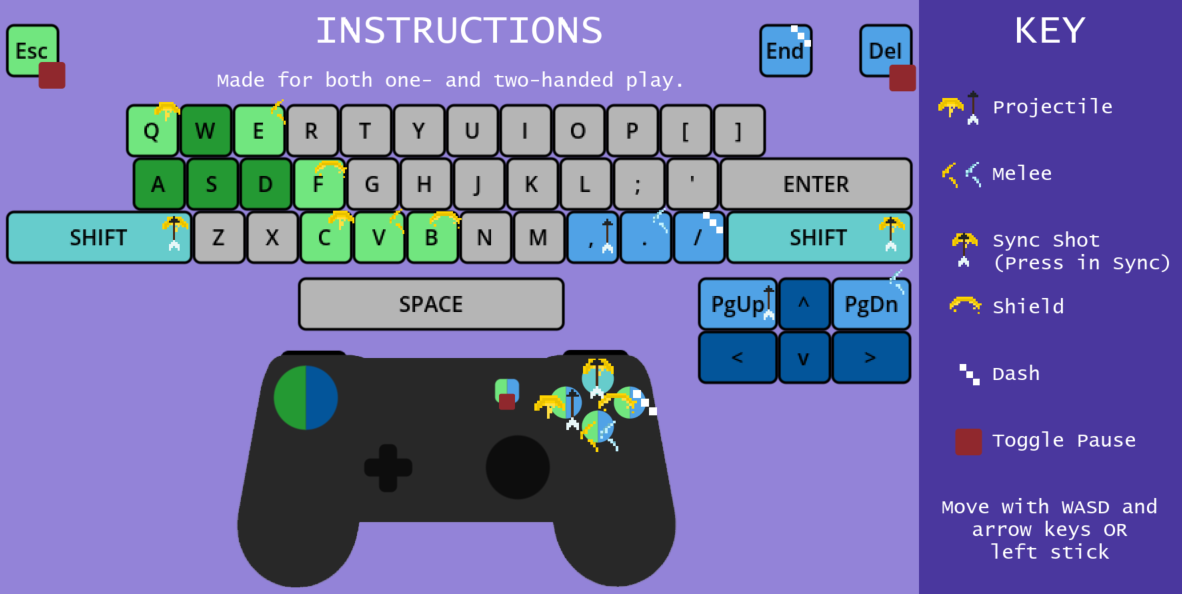
This game is made for one-handed play on the keyboard, two-handed play on the keyboard, or two-handed play on a controller.
Keyboard
Ryl is moved with the arrow keys. For one-handed play, fire her arrows with the PgUp key and swing her swords with the PgDown key. For two-handed play, fire her arrows with the comma key and swing her swords with the period key. Ryl can dash with the slash or End key.
Elvyria is moved with WASD. For one-handed play, fire her beam with the Q key and slash nearby with the E key. For two-handed play, fire her beam with the C key and slash nearby with the V key. Elvyria can activate a shield with the F or B key.
Sync shots are activated when players press both shift keys simultaneously while their characters stand next to each other.
If you need to pause the game or re-read the instructions, press Esc or Del. When selecting dialog or buttons, you can either click the options or use Elvyria and Ryl's movement keys to move through the options and submit your choice with Enter or Space.
Controller
Move your character with the left stick. Fire your character's projectile with the left button, use your character's melee with the bottom button, and use your character's special (dash or shield) with the right button.
Sync shots are activated when players press both their top buttons simultaneously while their characters stand next to each other.
If you need to pause the game or re-read the instructions, press START.
Working Together
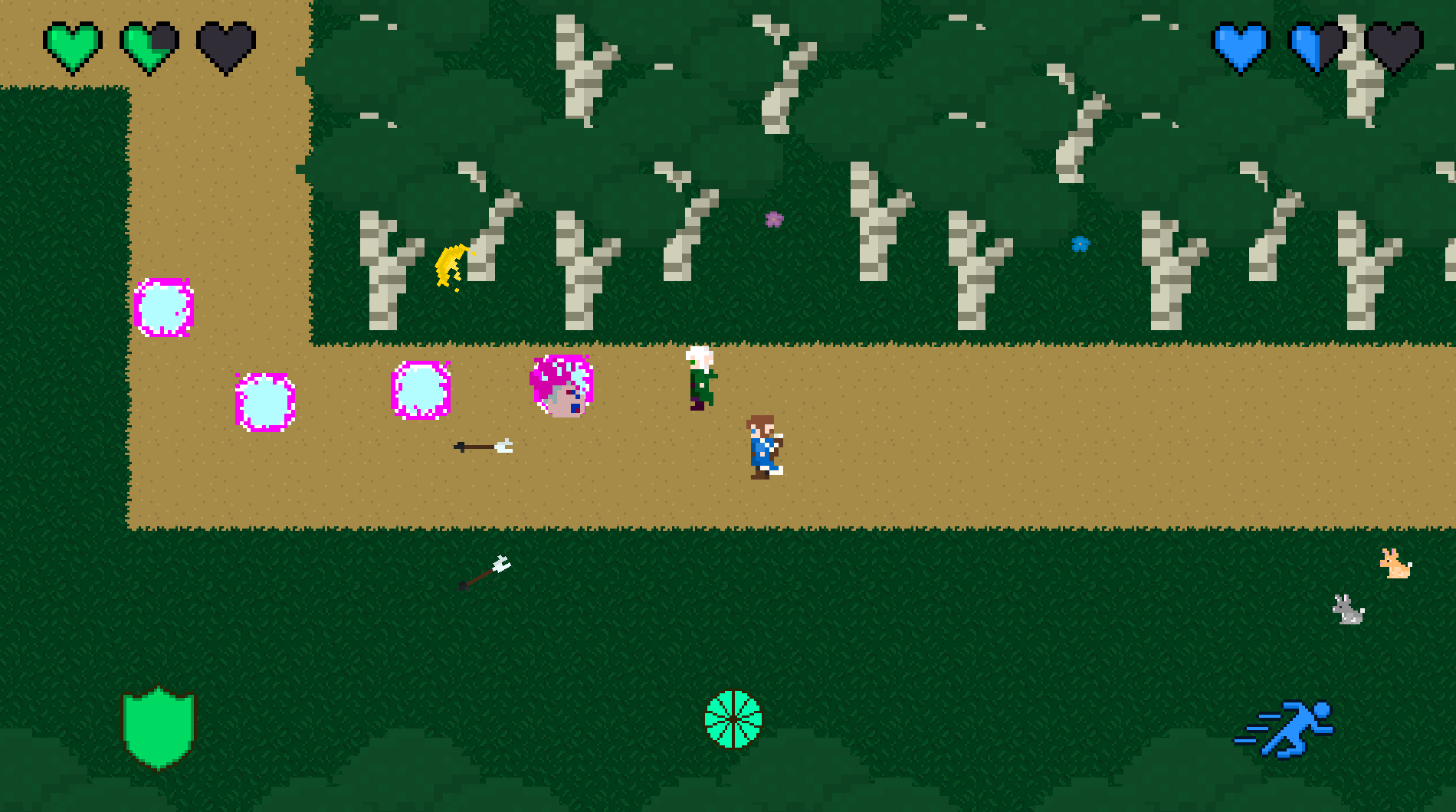
There are two ways that players can work together: sync shots and melee-projectile combos. There is a cooldown for sync shots; a gauge will tell you when you can use it again. Melee-projectile combos are performed by shooting one characters' projectile through the other's melee attack. While projectile attacks are usually weaker than melee attacks, this combo strengthens the projectile attack.
Combat Mechanics Showcase
Developers
Calvin, Producer
Peyton, Lead Artist
Riley, Lead Programmer
Noah, Composer and Sound Designer
Download
Development log
- First Launch37 days ago
Leave a comment
Log in with itch.io to leave a comment.